Customers get a low-friction path
They can request help or join by code without account setup blocking the first response.
Fast unattended connections, Windows-first remote control, multi-monitor streaming, and tenant-isolated session audit trails.
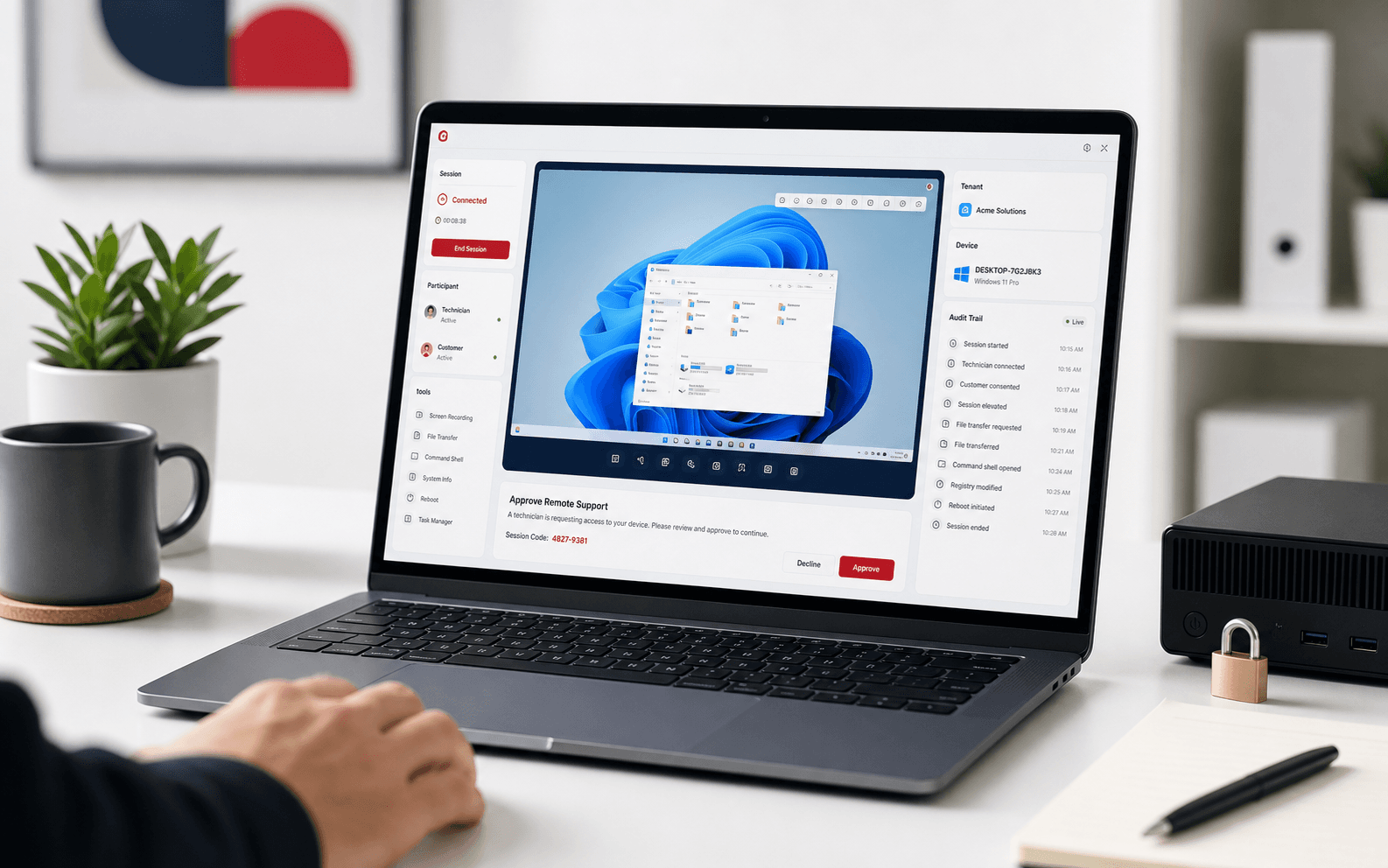
Customers, technicians, and admins each get a simpler path without weakening access control.
They can request help or join by code without account setup blocking the first response.
Session, device, and customer details stay close to the remote-control workflow.
Tenant scope, enrollment tokens, and audit review stay visible after the session ends.
SoLo Support brings intake, access, tenant scope, and audit evidence into one remote support surface.
Support customers through attended sessions, Quick Support downloads, and enrolled host agents without mixing tenant data.
Enroll hosts after approval, then keep persistent access bound to tenant policy.
Technicians, customers, devices, and sessions stay scoped to the right workspace.
Access decisions, device changes, and support events stay available for review.
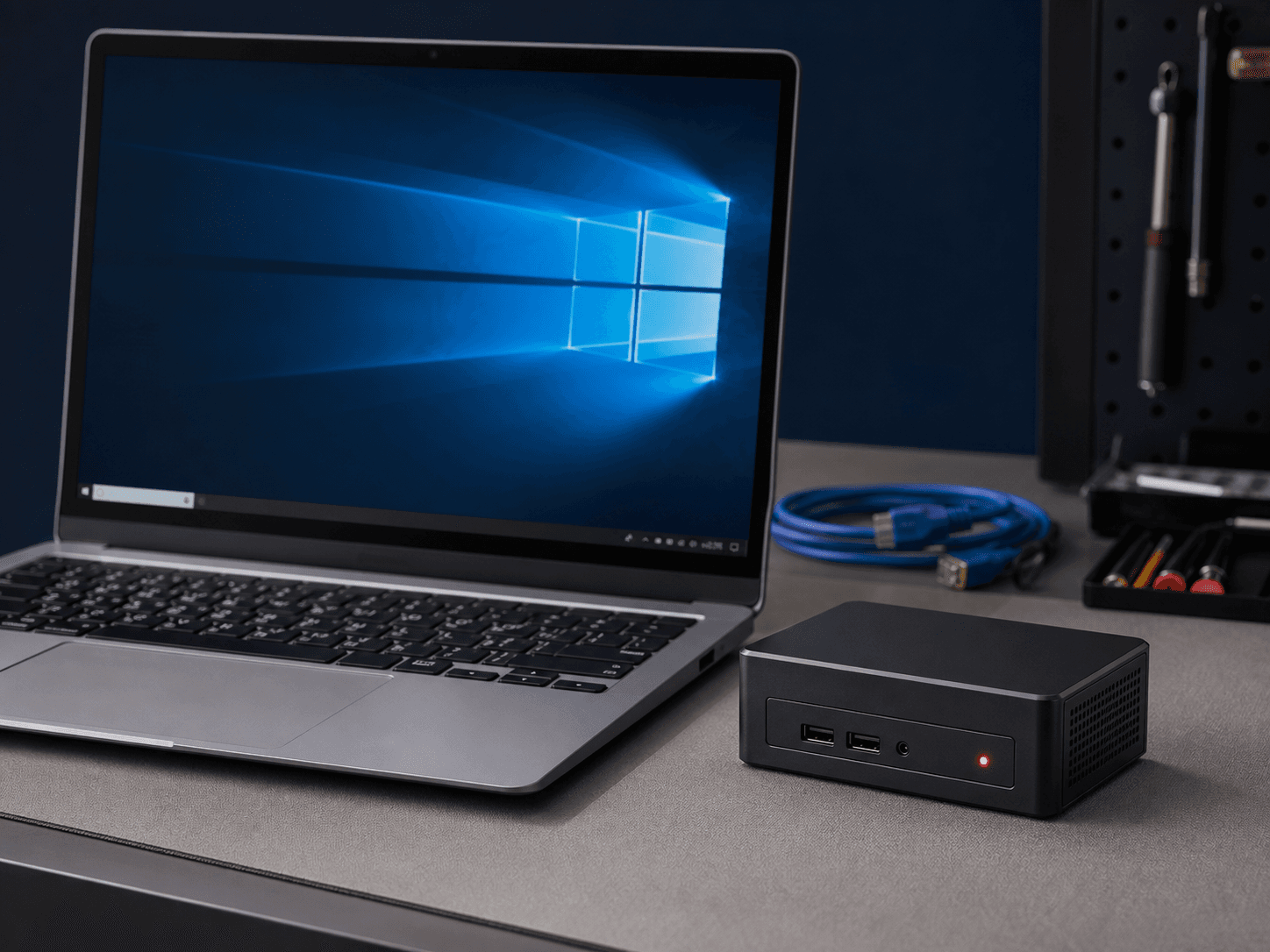
Keep the customer path simple while preserving the controls MSP operators need.
Customers can join with a code or send a request without needing a portal invite.
Attended sessions stay temporary. Persistent access requires an explicit enrollment path.
MSP teams get Windows-first remote control with customer context close at hand.
Admins can trace session activity, installer issuance, and account decisions from the console.
SoLo Support is strongest when remote access must be fast, visible, and scoped across multiple customer relationships.
Keep customer records, technicians, devices, and support history scoped to the right workspace.
Use Host Agent enrollment when persistent access is needed and attended sessions when it is not.
Preserve access decisions, installer issuance, and session activity for later operational review.
Start managed, then support self-hosted control-plane requirements when customer contracts demand it.
SoLo Support is built around authorization, tenant scope, and release visibility from the first support request.
Shared Supabase Auth keeps authentication separate from tenant records and app-specific roles.
Attended sessions stay temporary, while persistent access requires explicit device enrollment.
Session events, device changes, installer issuance, and account decisions stay available for review.
Health probes, protected admin views, and release checks make support readiness easier to verify.
Start with managed SaaS, or run SoLo Support in your own environment when the customer contract calls for it.
Hosted sign-in, customer intake, support chat, analytics, and health probes are ready to connect to your workspace.
Run the control plane, host-agent delivery, and monitoring stack in your preferred infrastructure.
A few practical details for MSP teams evaluating attended support, unattended access, and deployment control.
Yes. The public support request and join paths are built for customers who need help before a portal account is ready.
Quick Support is for one-time attended help. Host Agent enrollment is for authorized unattended access to a known Windows device.
Persistent access is tied to an explicit enrollment path, customer organization scope, and technician permissions.
Yes. Managed SaaS is the fastest path, and self-hosted deployment is available when customer contracts require stricter control.
The platform is designed to preserve session activity, access decisions, device changes, and installer issuance for review.
Create an MSP workspace, join an existing session, or open a support request from the public site.